







 简体中文
简体中文 English
搜索结果建议
快速链接
R16SM FAQ
Q: Which transmitters are compatible with the ER16 receiver?
Q: Which transmitters are compatible with the ER16 receiver?
A: The ER16 receiver is compatible with all transmitters that support 2.4G ExpressLRS high-frequency modules.
Q: What is the voltage range of the ER16 receiver?
Q: What is the voltage range of the ER16 receiver?
A: The input voltage range of the ER16 receiver is 4–9V DC.
Q: What do the status indicator lights on the ER16 receiver mean?
Q: What do the status indicator lights on the ER16 receiver mean?
A: The ER16 receiver’s indicator light status meanings are as follows:
- Solid light: Bound successfully / receiving signal
- Double flash: Binding mode active
- Slow flash: No signal received from the transmitter
- Fast flash: Entering Wi-Fi setup mode
Q: What telemetry information does R16SM support?
Q: What telemetry information does R16SM support?
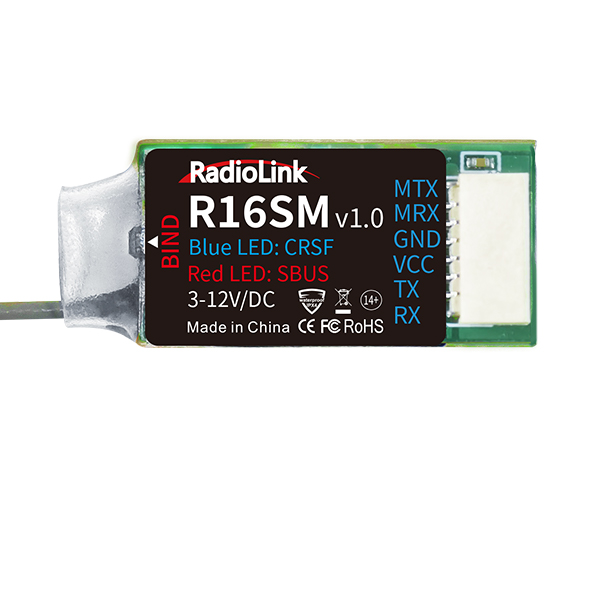
A: R16SM supports SBUS and CRSF signal output. The telemetry information that R16SM supports in CRSF working mode is more than that in SBUS working mode. So it is recommended to use the CRSF signal. For more details, please refer to the below chart:
The telemetry information in CRSF working mode | The telemetry information in SBUS working mode |
longitude, latitude, power battery voltage, GPS satellites, altitude, speed, pitch, yaw, roll, flight mode etc. | longitude, latitude and power battery voltage |
Note:
| |
Q: How to bind R16SM to the transmitter?
Q: How to bind R16SM to the transmitter?
A: Please refer to the tutorial: https://www.youtube.com/watch?v=j3pR8dbC5iU
Q: How to use the telemetry function of R16SM?
Q: How to use the telemetry function of R16SM?
A: Please refer to the tutorial: https://www.youtube.com/watch?v=FqRfRkSxDpk&t=33s
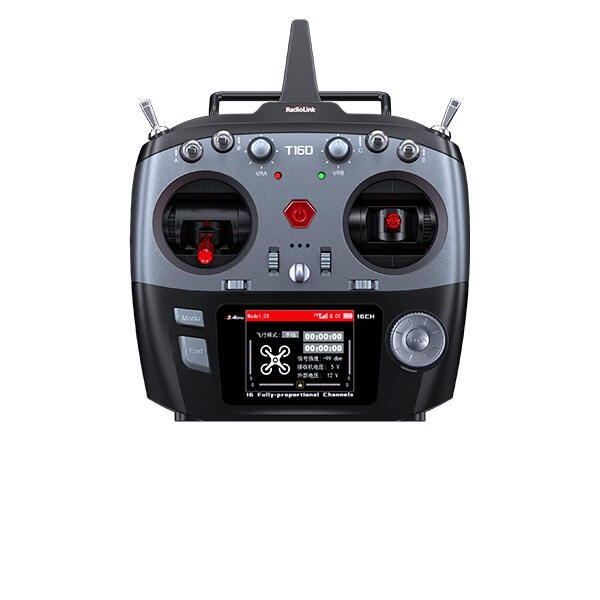
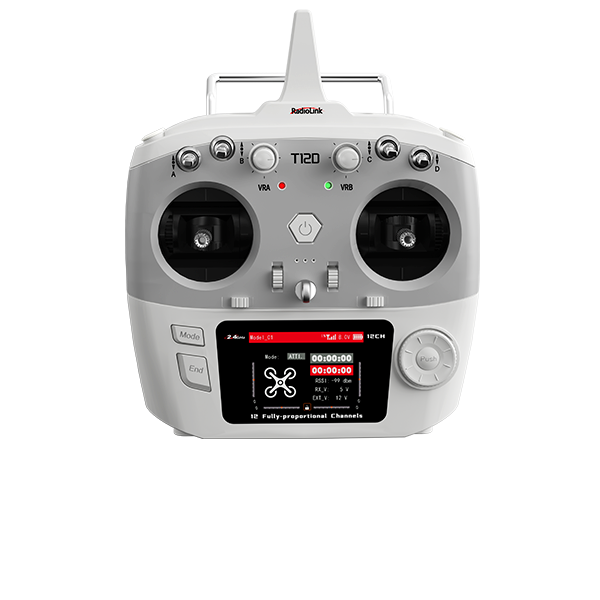
Q: When R16SM is used together with T16D/T12D, only the first 8 channels of the receiver can work well, but the other channels do not work at all. Why?
Q: When R16SM is used together with T16D/T12D, only the first 8 channels of the receiver can work well, but the other channels do not work at all. Why?
A: FHSS V1 and FHSS V2 protocols support 8 channels, but FHSS V2.1 protocol supports 16 channels. When using R16SM, if FHSS V1 or FHSS V2 protocol is selected, only 8 channels are available on the receiver. Please enter MAIN MENU--Receiver Settings--RF SETTINGS--PROTOCOL, and select FHSS V2.1 protocol.
Q: How to test RSSI with T16D/T12D transmitter and receivers?
Q: How to test RSSI with T16D/T12D transmitter and receivers?
A: Please follow this tutorial: https://www.youtube.com/watch?v=pXPmR9yGsus
Q: How to install the receiver antenna?
Q: How to install the receiver antenna?
A: Please follow this tutorial: https://www.youtube.com/watch?v=-e1XzRnMnhs
Q: How to supply power to the receiver without using the ESC?
Q: How to supply power to the receiver without using the ESC?
A: Please follow this tutorial: https://www.youtube.com/watch?v=nquuvM3hmtw





 简体中文
简体中文- English